For production-ready sample code, refer to the official SDKs:
Team Setup & API Key Management
1. Team Setup & Developer Invitation
To configure your API Key and webhook, you must have the developer role.
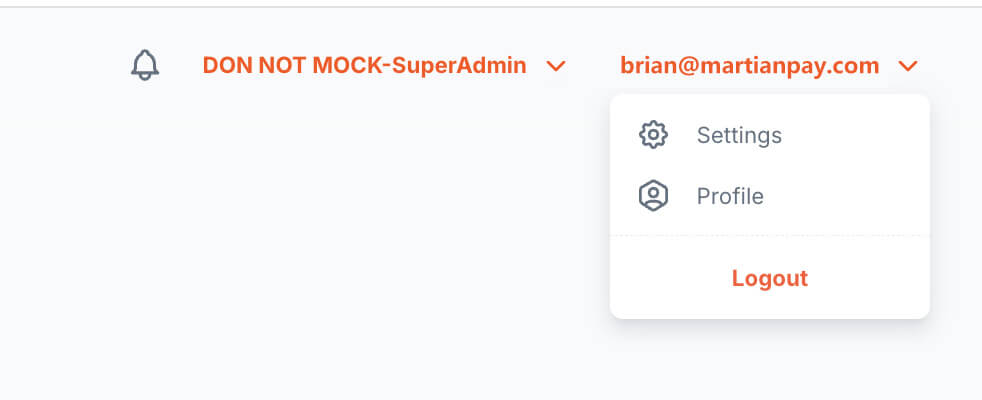
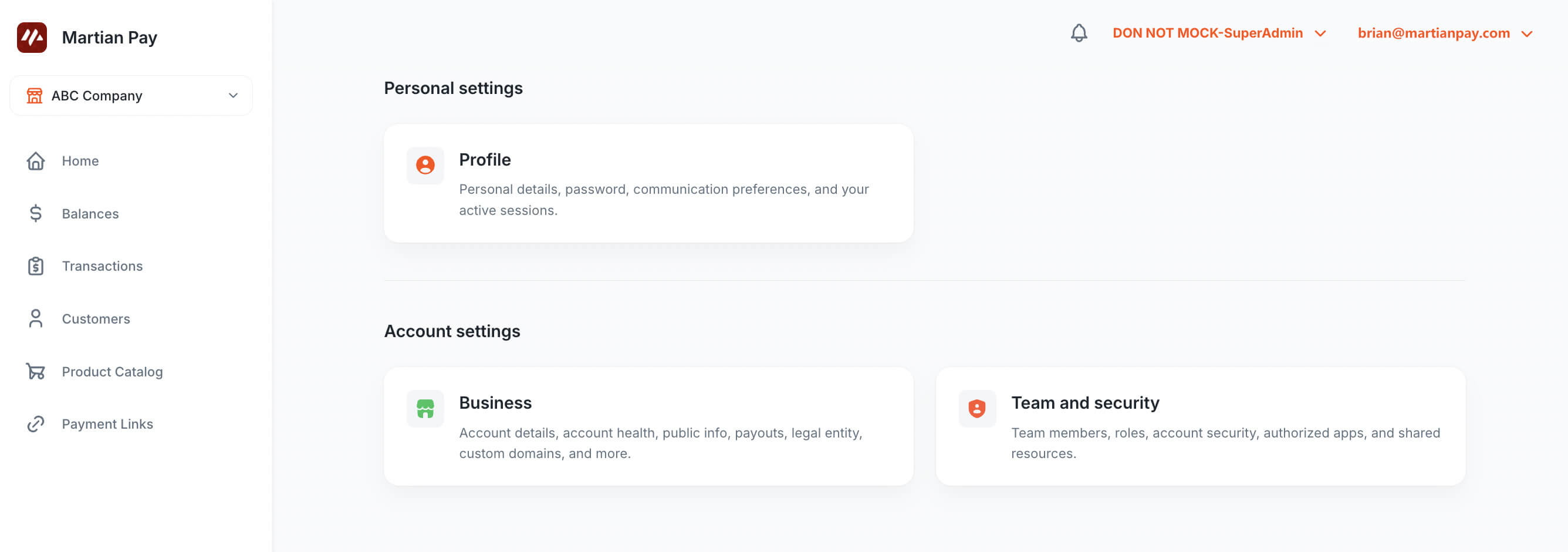
- Navigate to Settings → Team and Security.
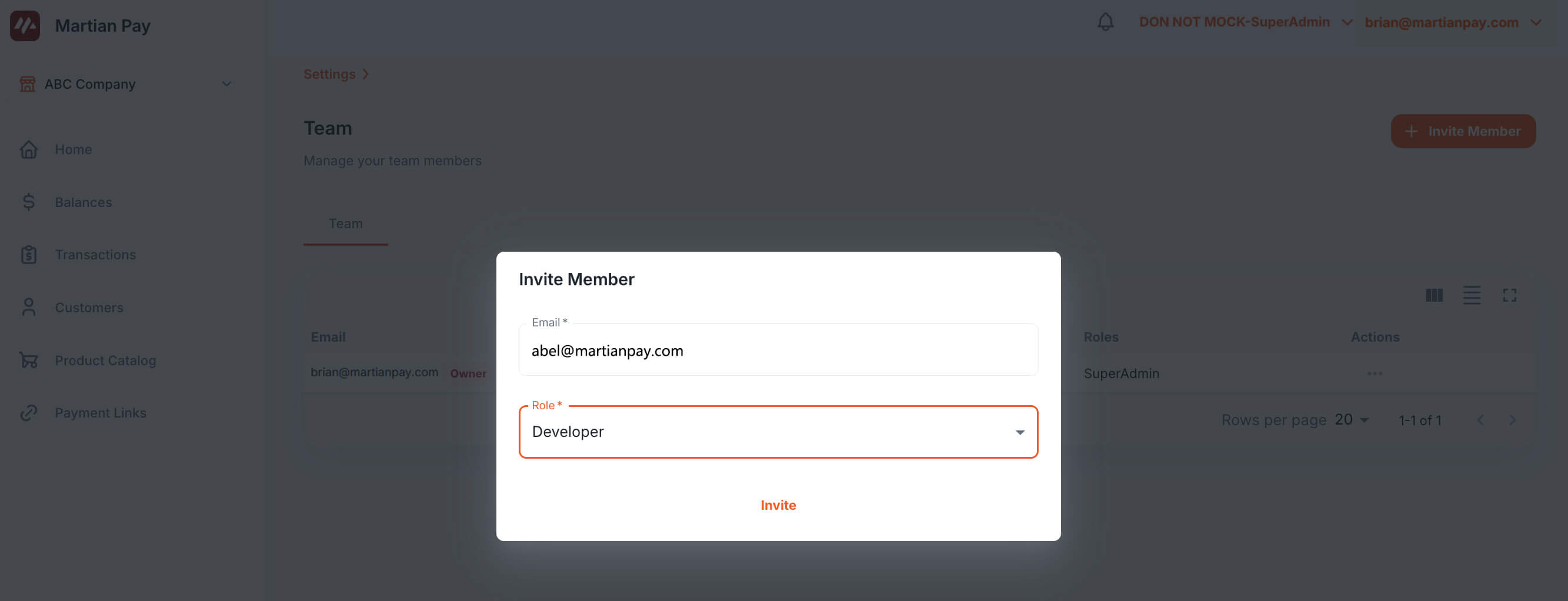
- Click Invite Member.
- Select the role as Developer.
2. Accepting the Developer Invitation
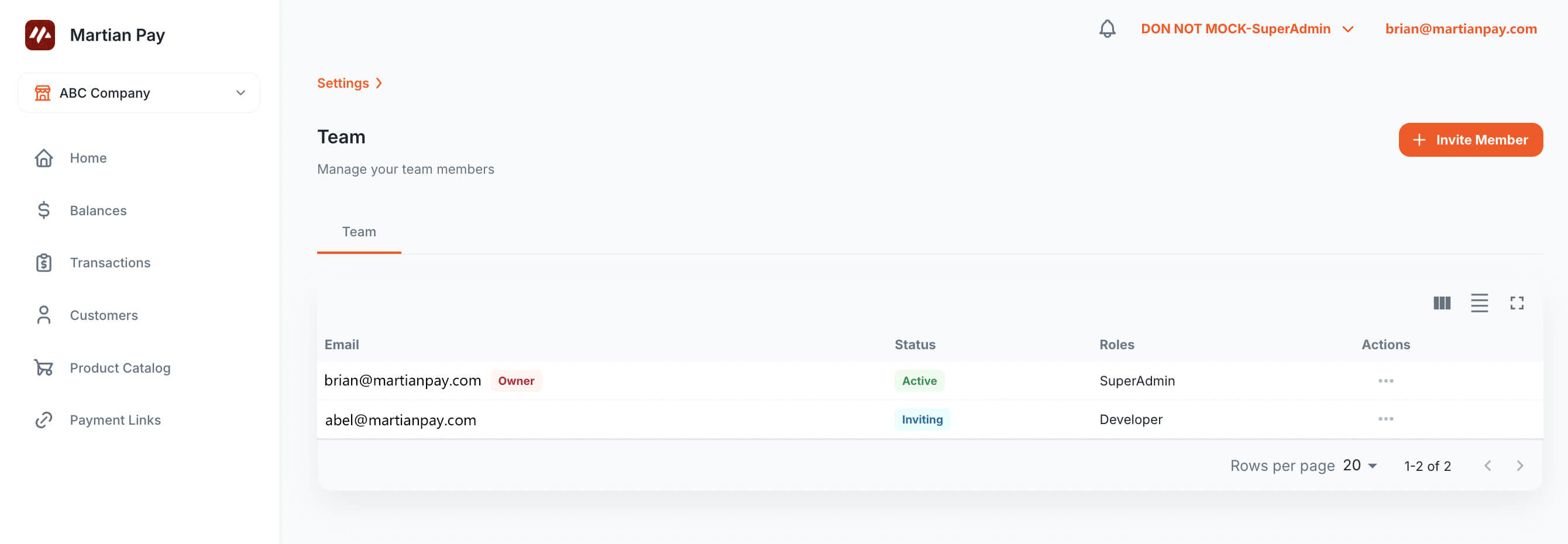
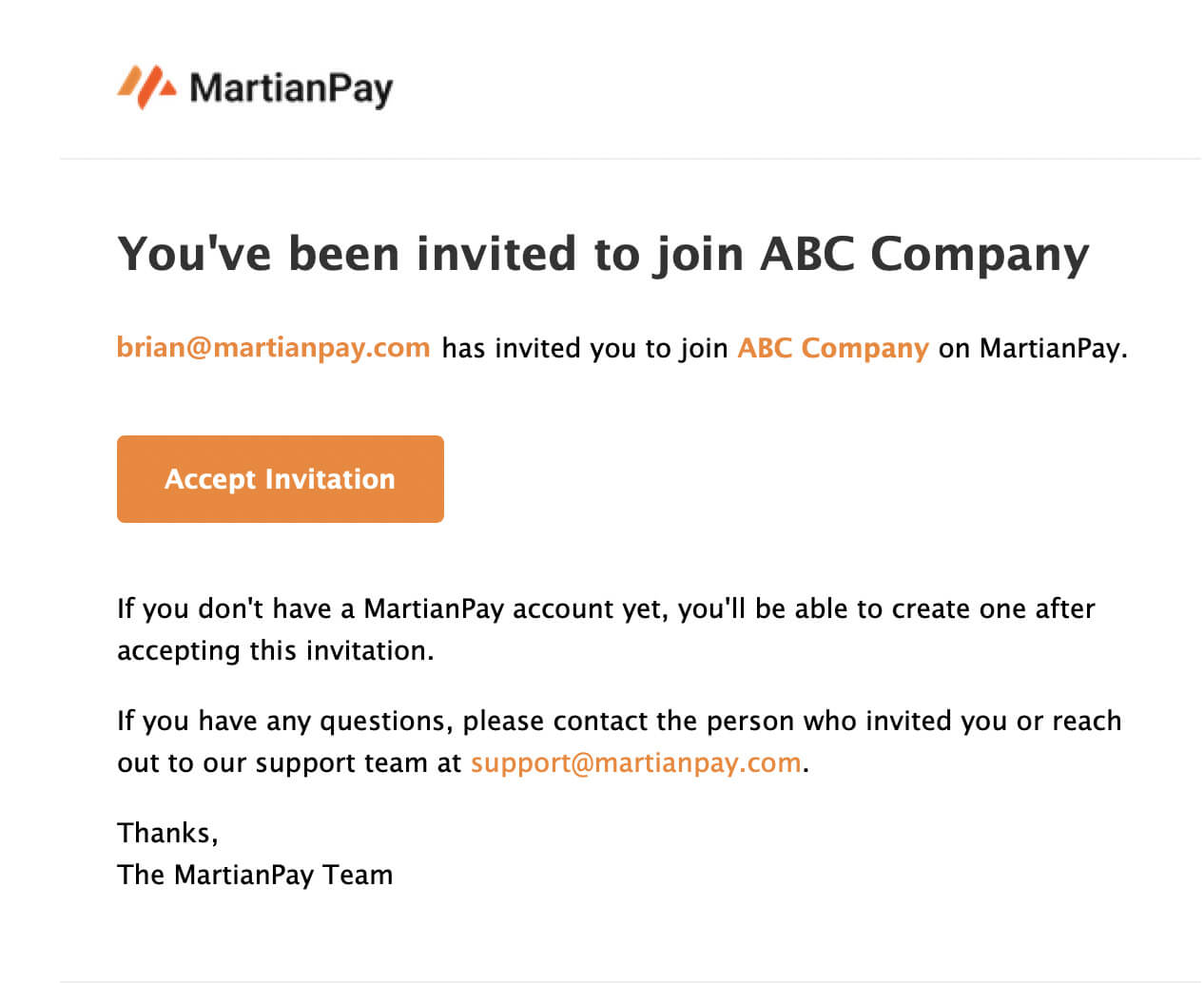
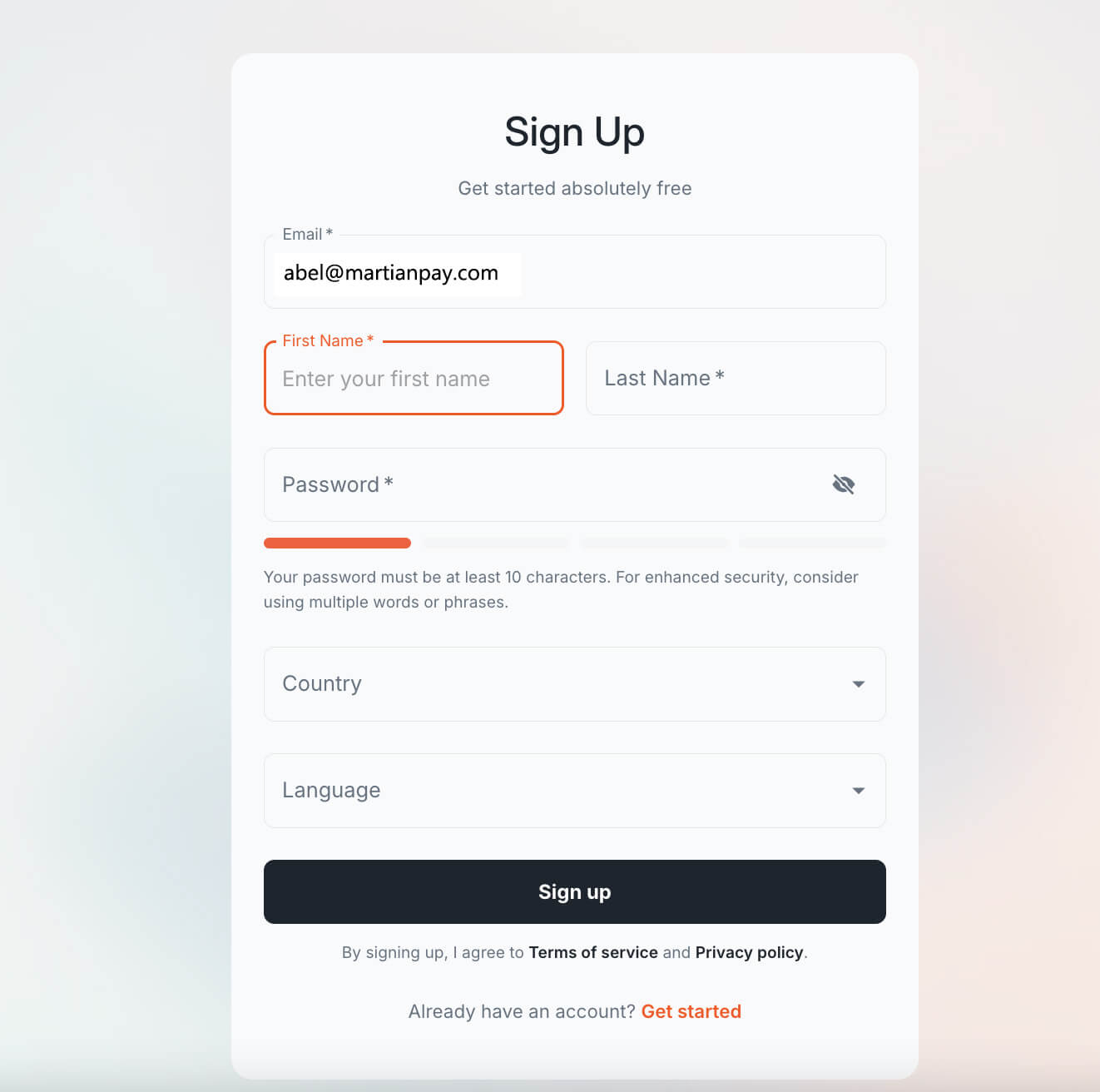
The invited developer will receive an email. They must accept the invitation to join the merchant team.

3. Generating Your API Key
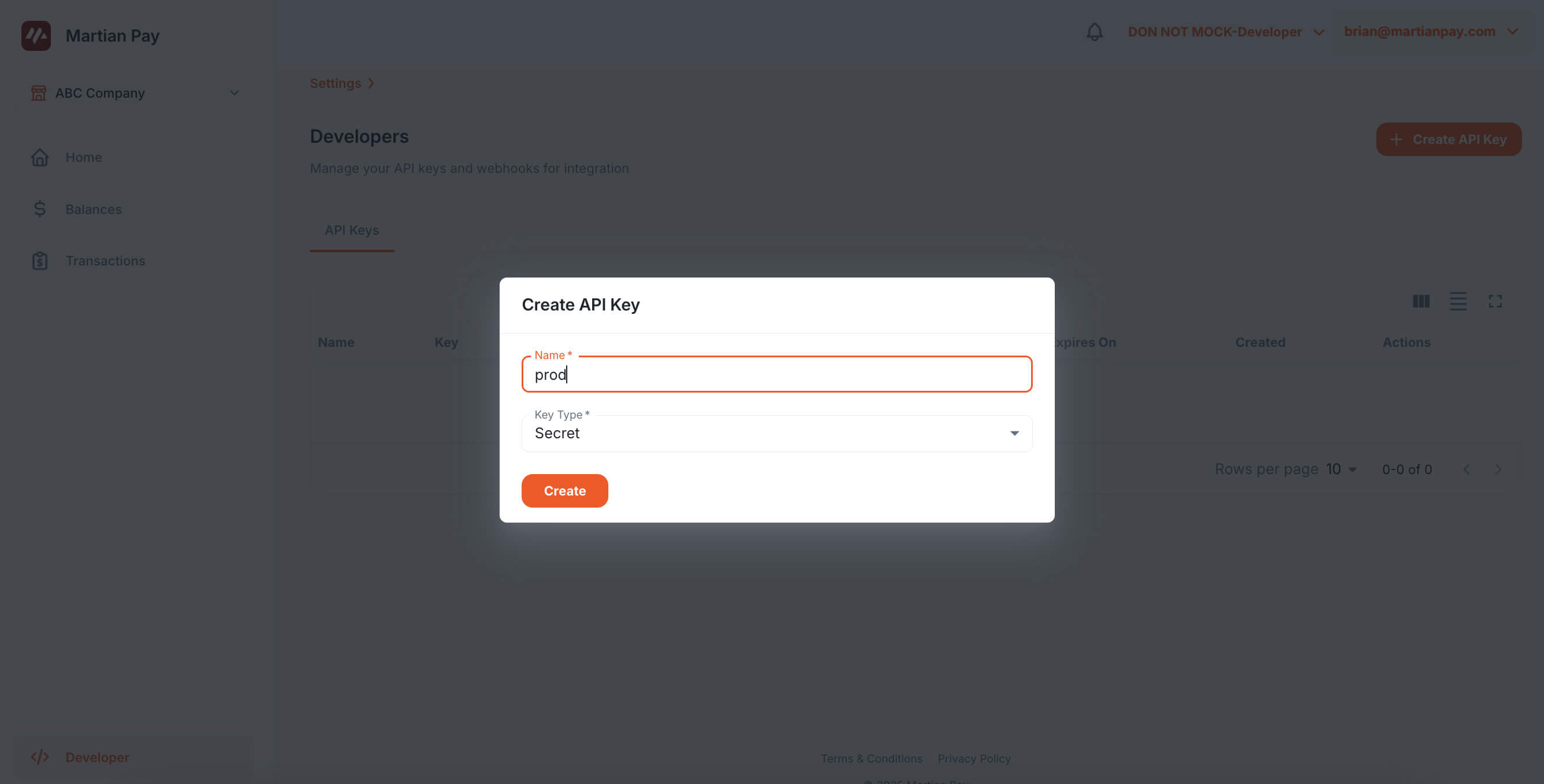
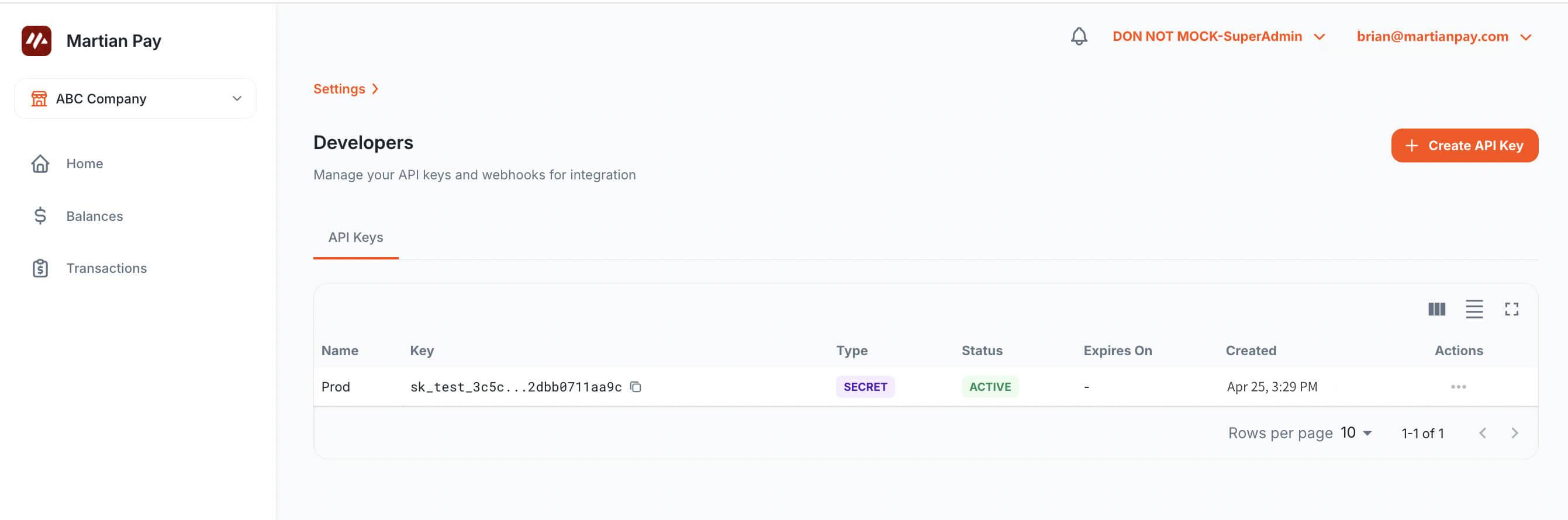
To generate your API key, follow the dashboard instructions:
API Key Types
When creating an API key, you can choose between two types:
-
Secret Key: Used for server-side API calls. This key should be kept secure and never exposed in client-side code. Use this key for backend integrations, webhook signature verification, and server-to-server communications.
-
Public Key: Used for client-side integrations such as the MartianPay JavaScript SDK (
@martianpay/js) and custom payment interfaces. This key is safe to expose in frontend applications and browser code.
Important Security Notes:
- Always use secret keys for backend API operations
- Use public keys for frontend JavaScript integrations
- Never expose secret keys in client-side code or version control systems
- Rotate keys regularly for enhanced security
Tip: Reference our official SDK samples for implementation: