MartianPay Payment Link Showcase
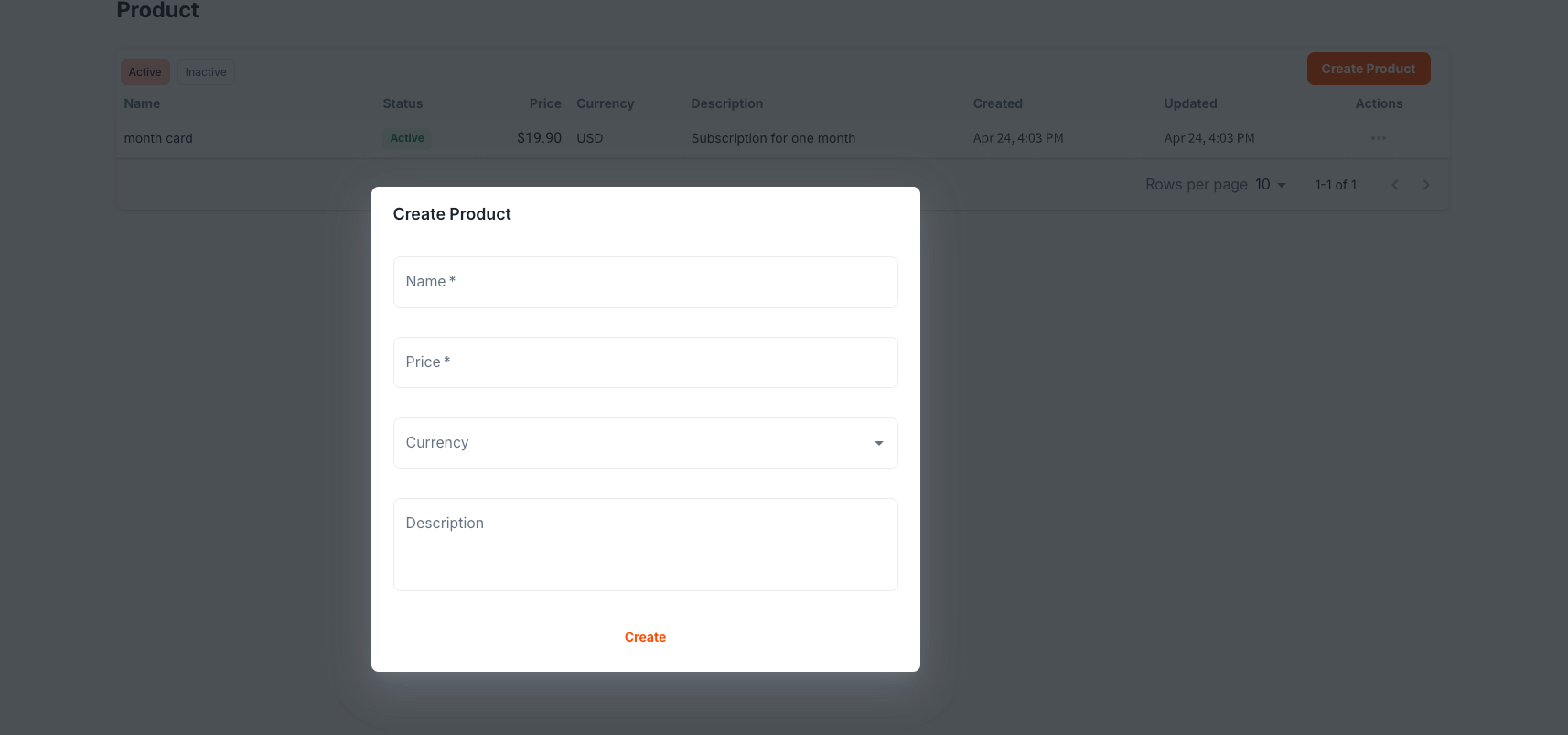
1. Create a Product
Initiate your payment workflow by creating a new product in the MartianPay dashboard.
2. Generate a Payment Link
After setting up your product, generate a payment link for your customers.


3. Customer Accesses the Payment Link
The customer opens the payment link and is prompted to enter their email address. Alternatively, integrators can append the email parameter directly in the URL.
Examples:
- https://buy.martianpay.com/sjrnFBm18GvotHCfZGGBRqLe
- https://buy.martianpay.com/sjrnFBm18GvotHCfZGGBRqLe?email=customer@gmail.com
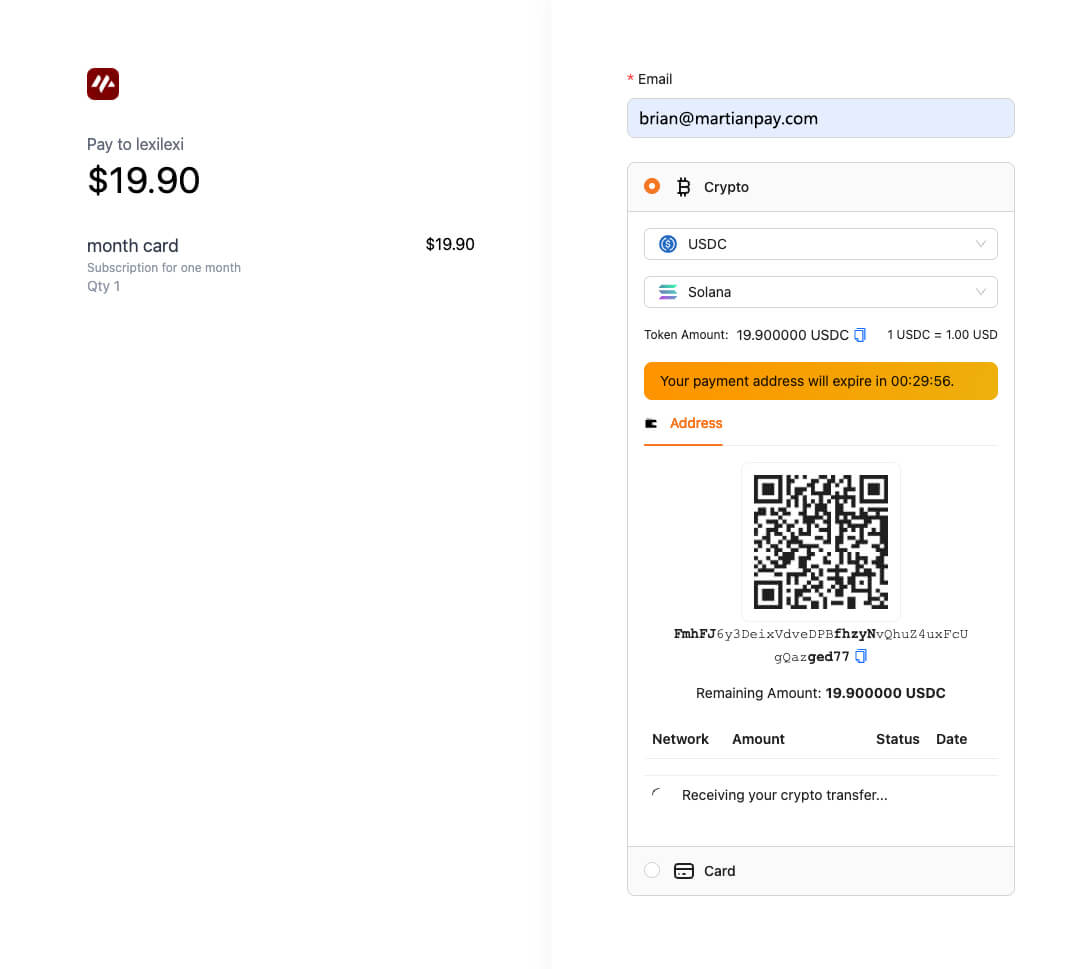
4. Payment Page Experience
Upon accessing the payment link, the customer is directed to the payment page.
5. Transaction Review in Dashboard
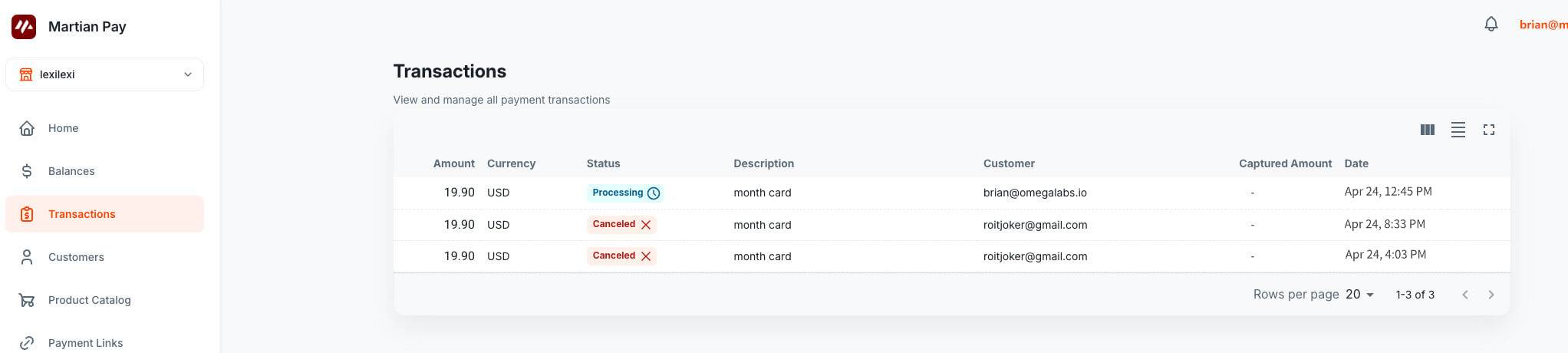
Once the transaction is completed, you can review details in the merchant dashboard under the Transactions section.
6. Monitor Transactions via API & Webhooks
Integrate with the MartianPay API and webhooks to listen for transaction events and retrieve real-time payment details programmatically.